(With no coding knowlege)
Introduction
Okay So I will be the first to admit that I fully overcomplicated this process, but at the end of the day I am an artist before anything else and this website is my art.
Before this project I had always had an interest in coding but had thought was too complicated and an unachievable goal, but looking back all I needed was motivation. I picked up HTML and CSS super quickly, and in less than a month total I started learning and completed this very website, with no layout generators or premade sites, only Visual Studio Code and a dream.
Pre Production
The journey starts with milanote, a website you can use to make collages and brainstorm. I used this site to map out the theme and content of my website.
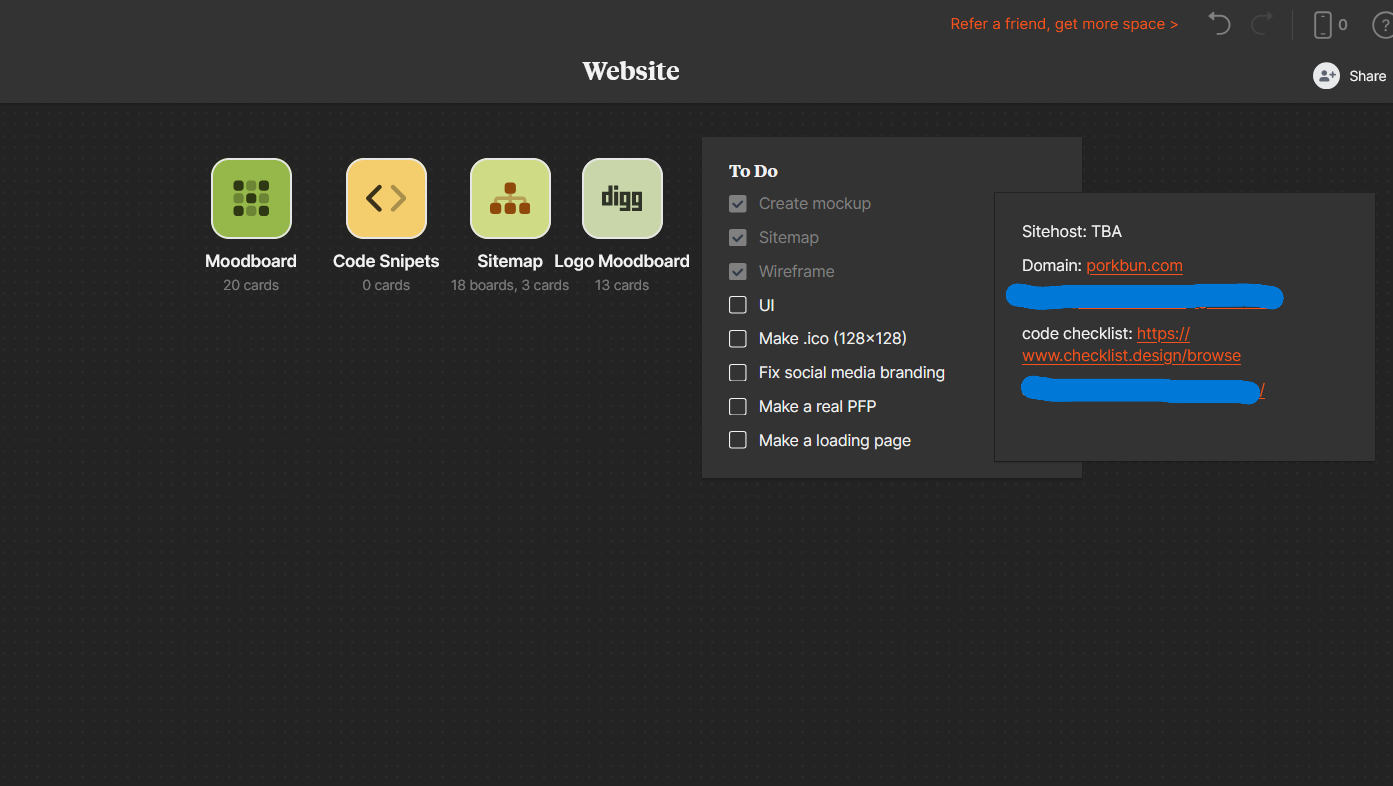
My milanote board, you can see how I didn't even know what site host I was going to use!
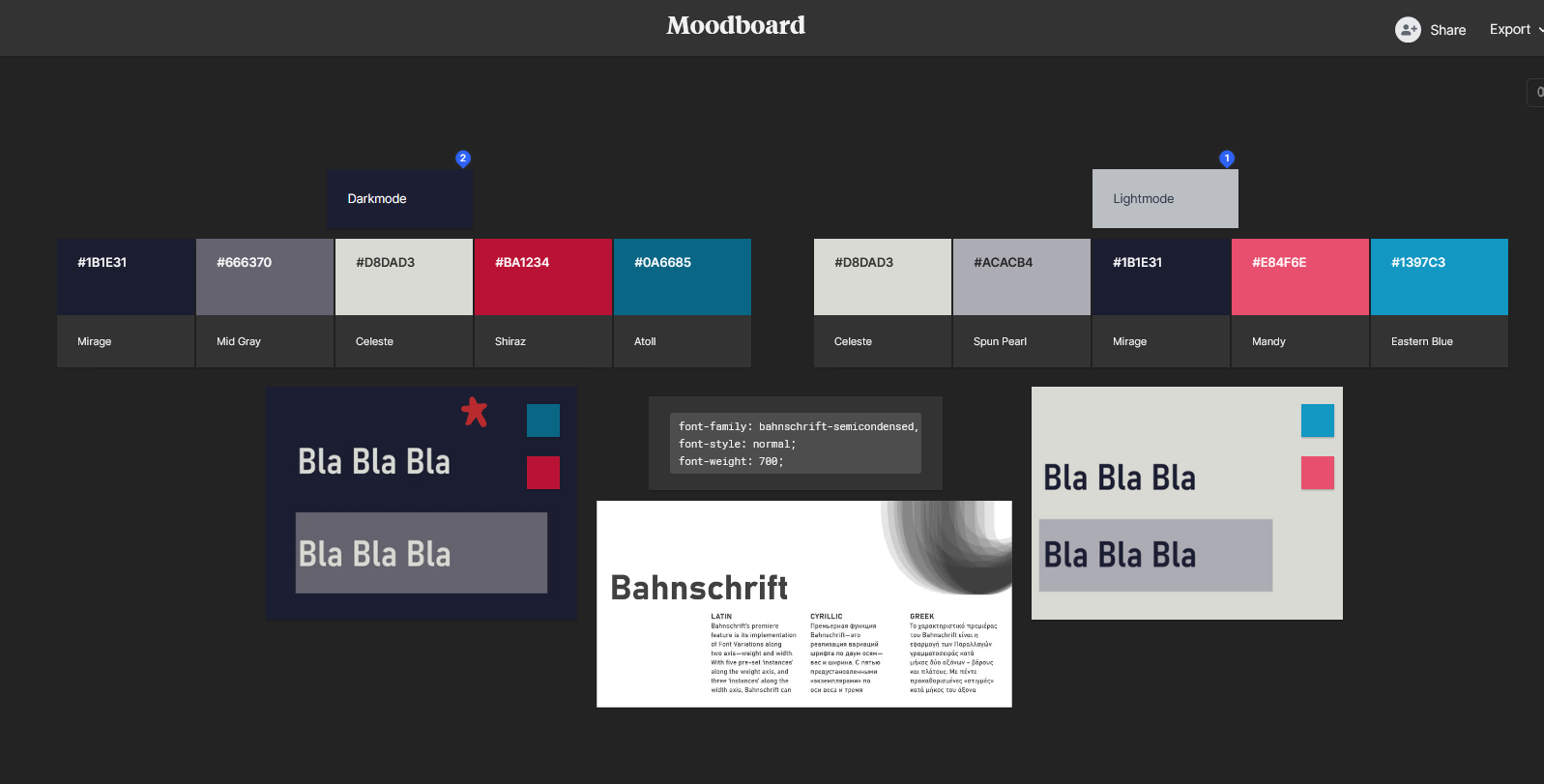
I created a moodboard for the general vibe of the site
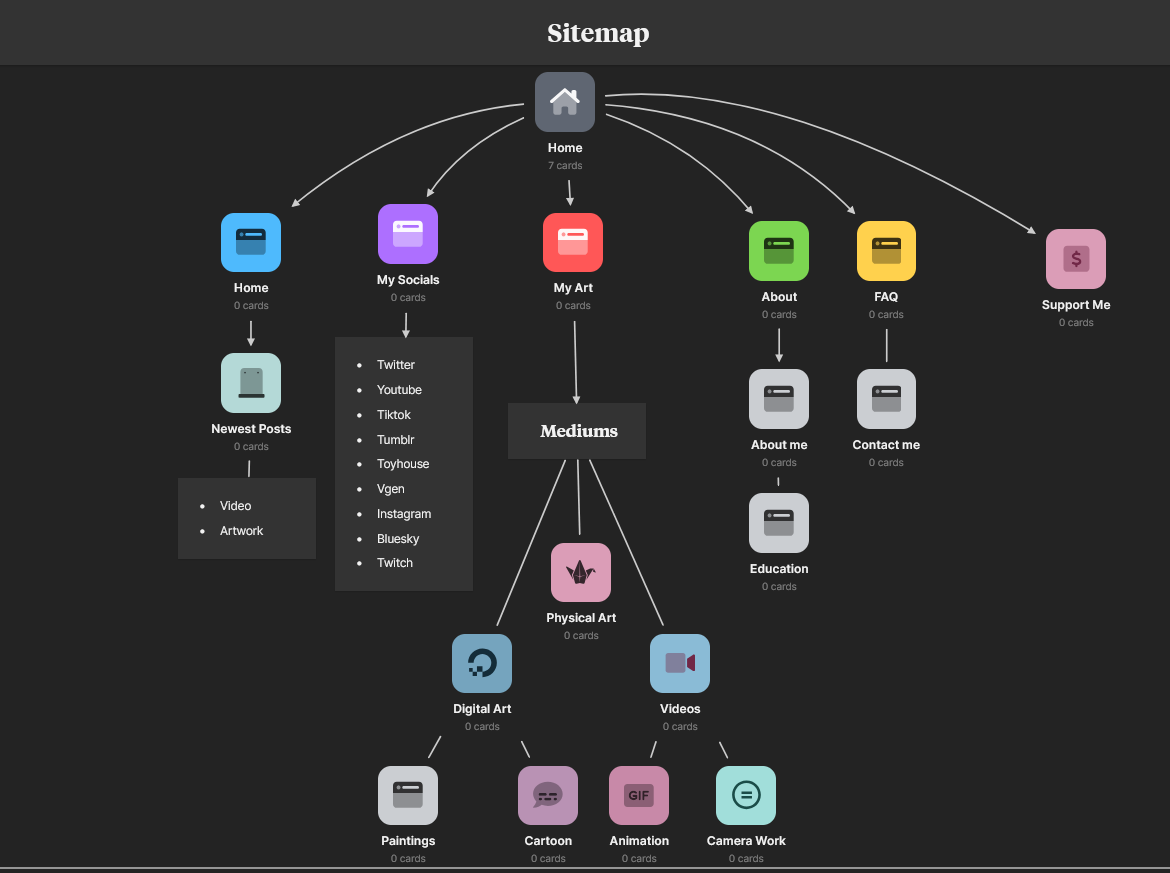
The first sitemap mockup I made
I then went into procreate and drew what I wanted each site page to look like, you don't have to do this especially if you are using a layout, but I found it helpful when adding content to my page.
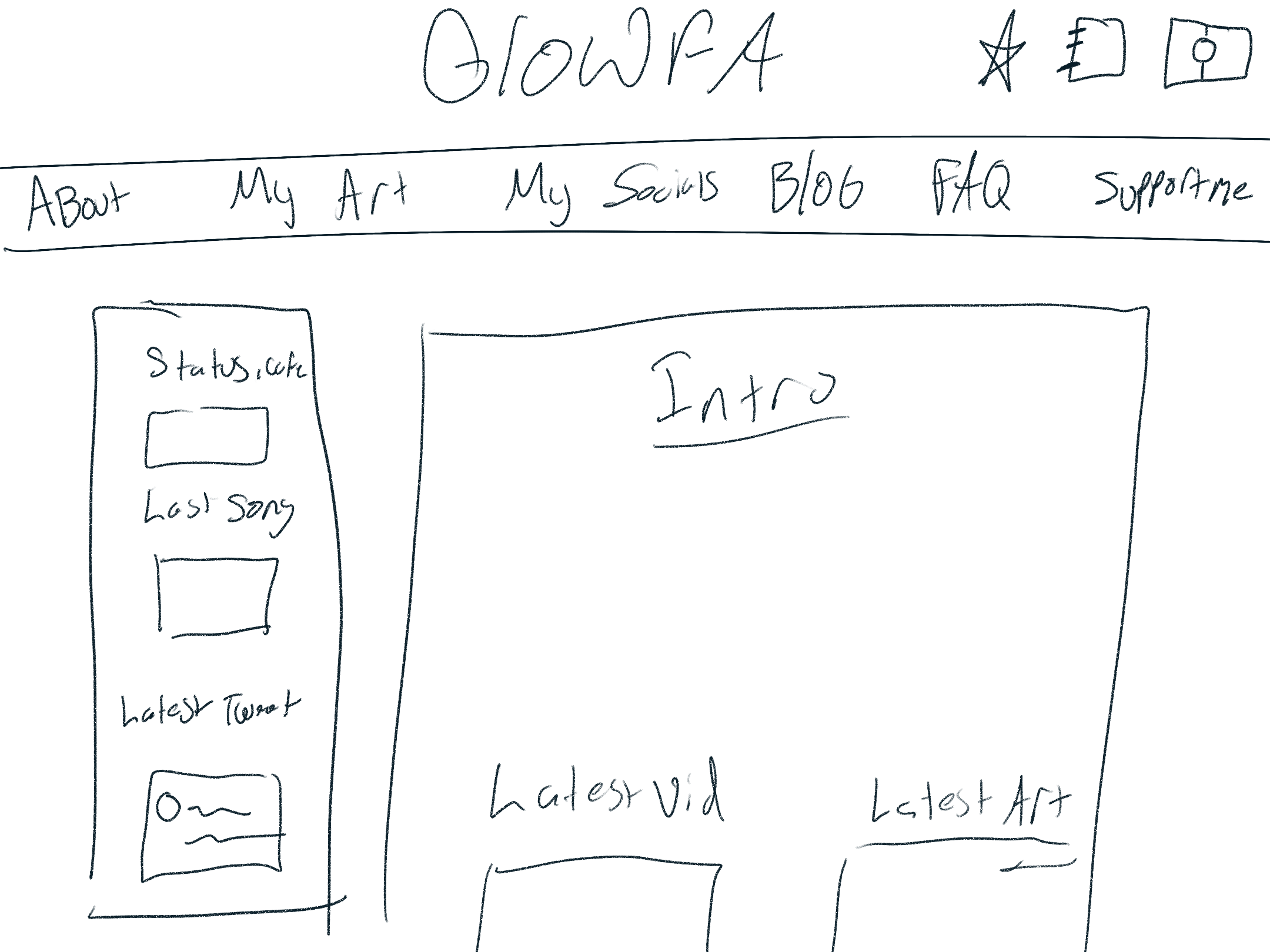
Concept art of my home page
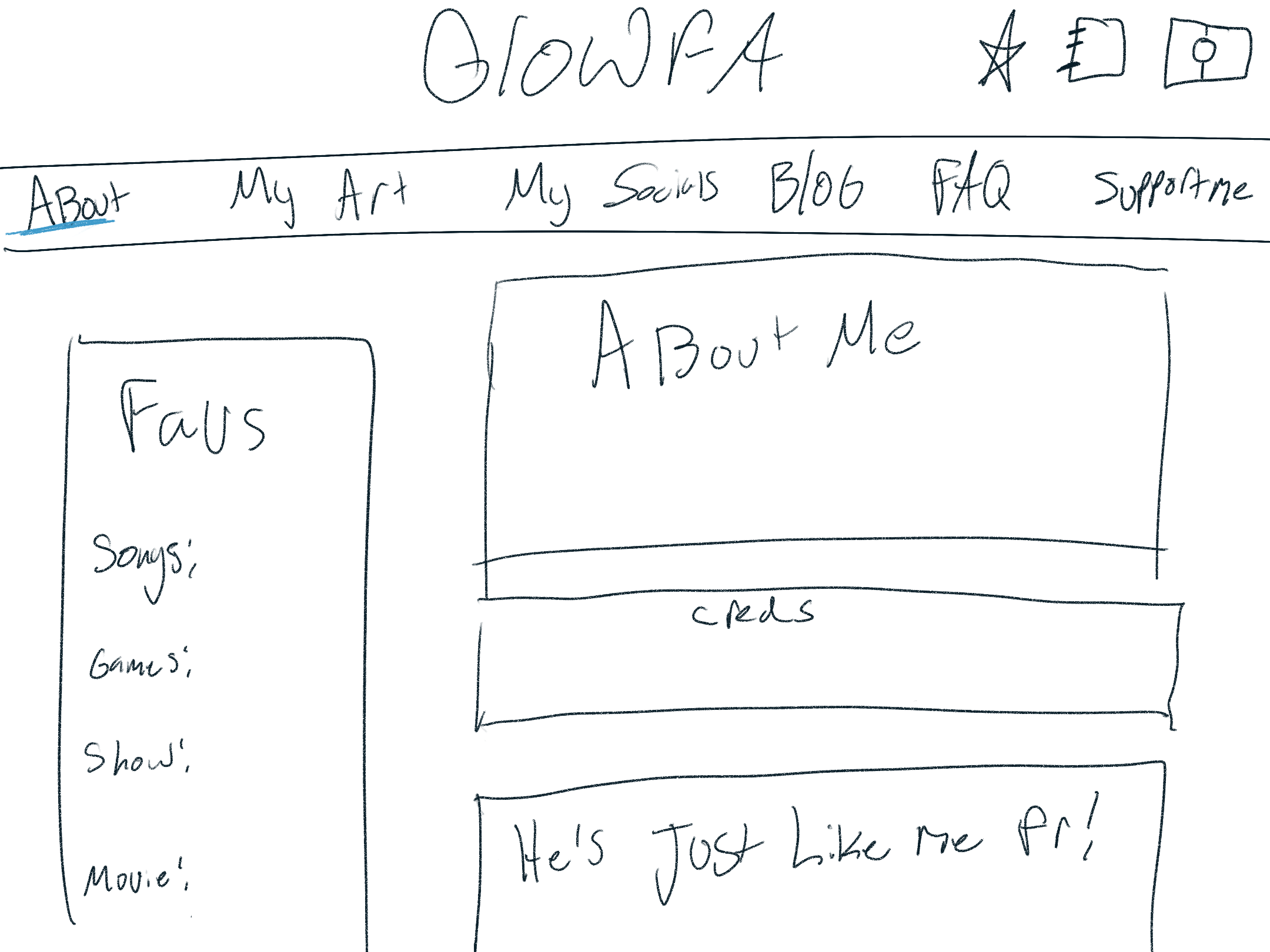
Concept art of my about page
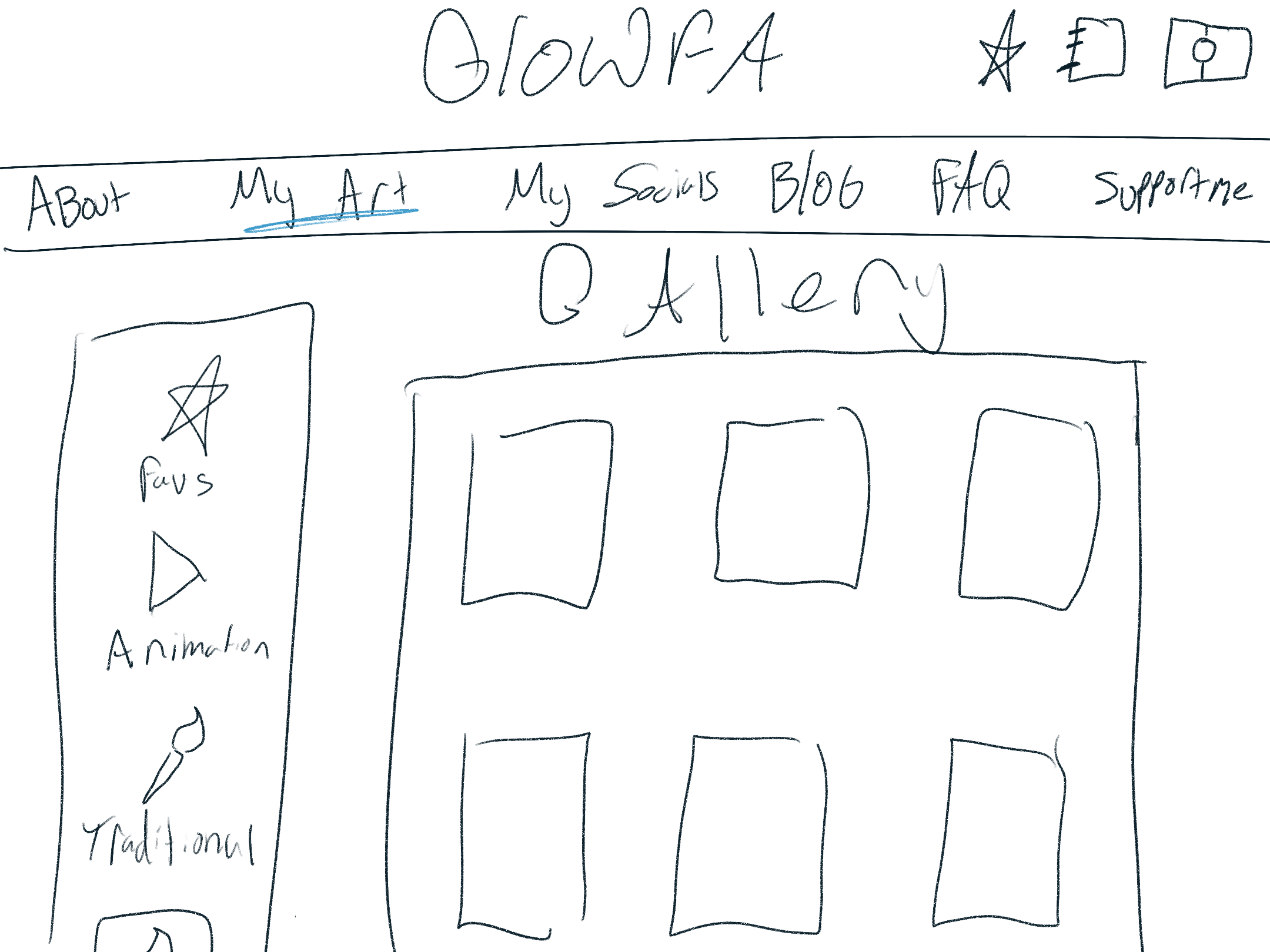
Concept art of my art gallery page
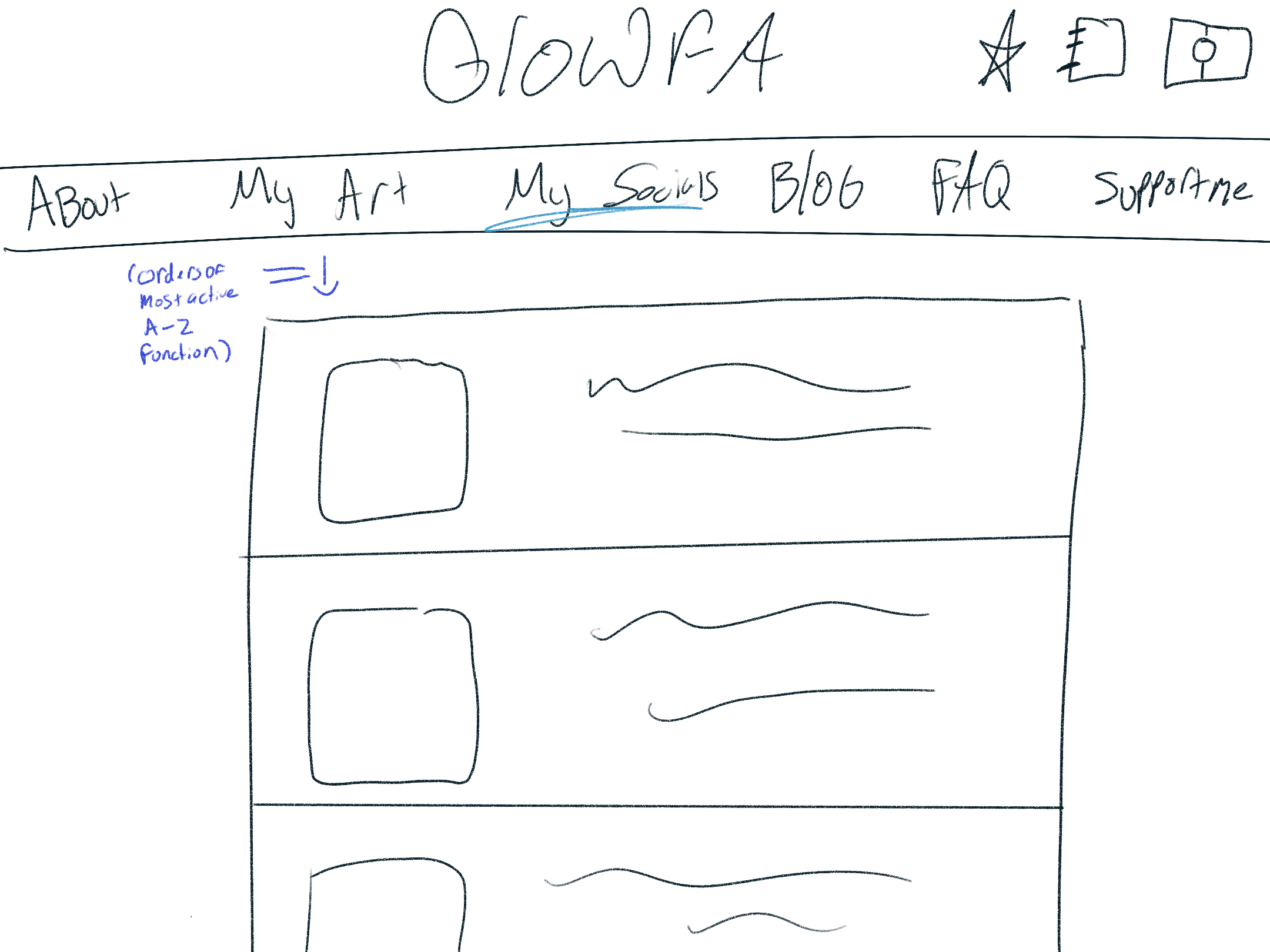
Concept art of my socials page
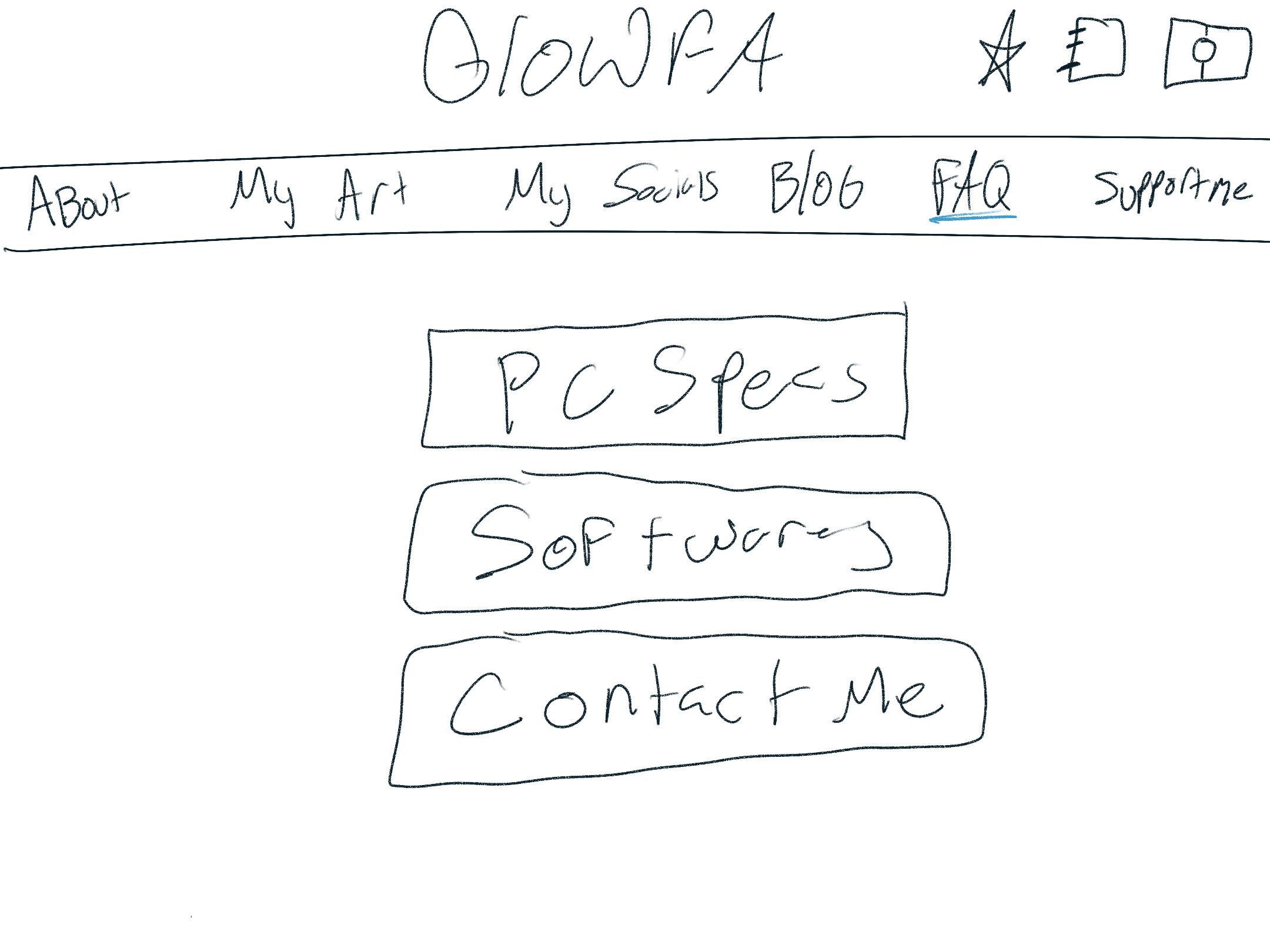
Concept art of my FAQ
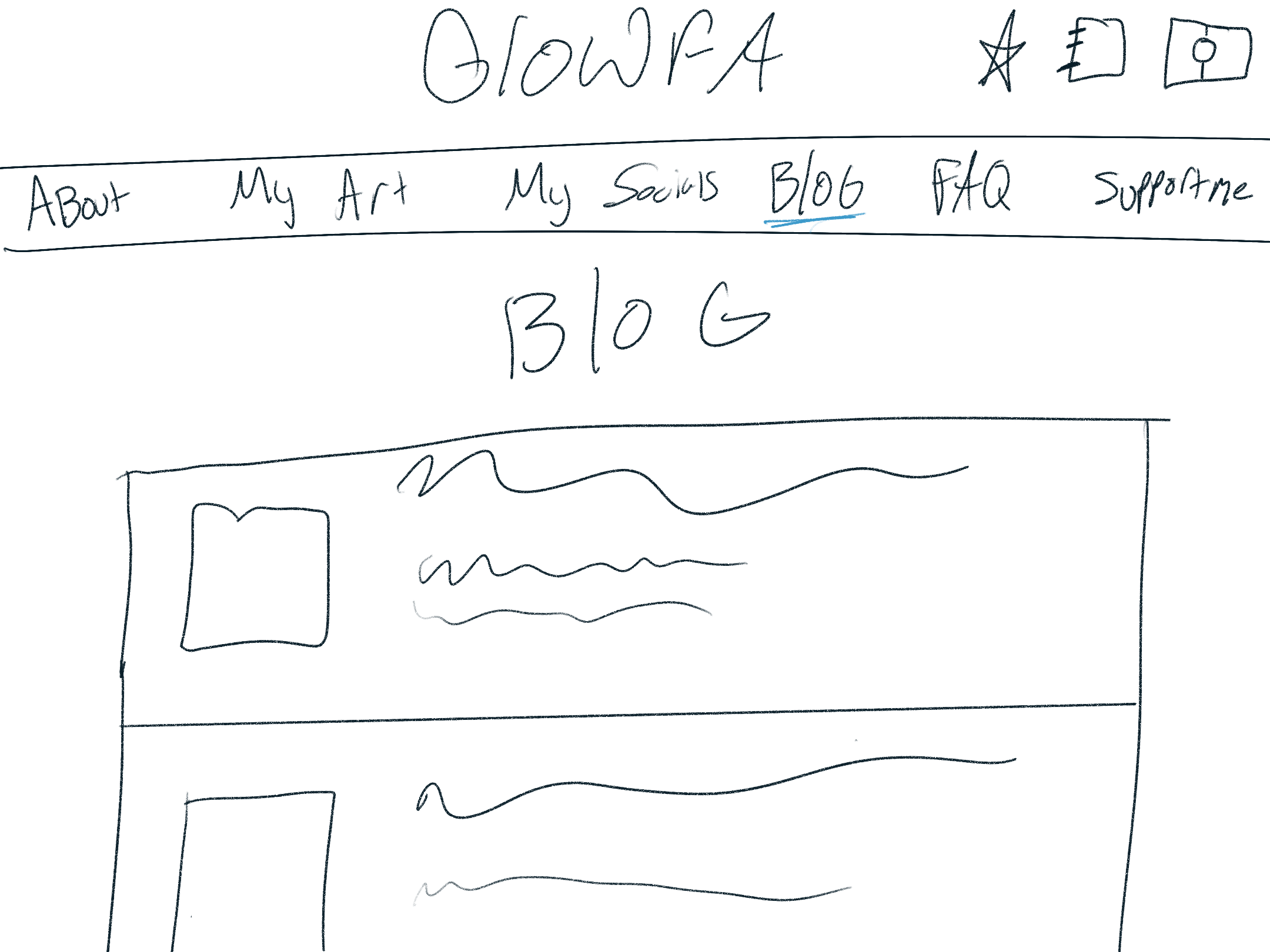
Concept art of blog layout
Learning to code
Prior to this I had no knowledge of coding other than basic block coding. I literally had no idea what I was doing so I googled it. I ended up on developer.mozilla.org which is mozilla's web development course. This was my starting point and my #1 greatest resource. I completed the course in about a day and made sure to do each exercise.
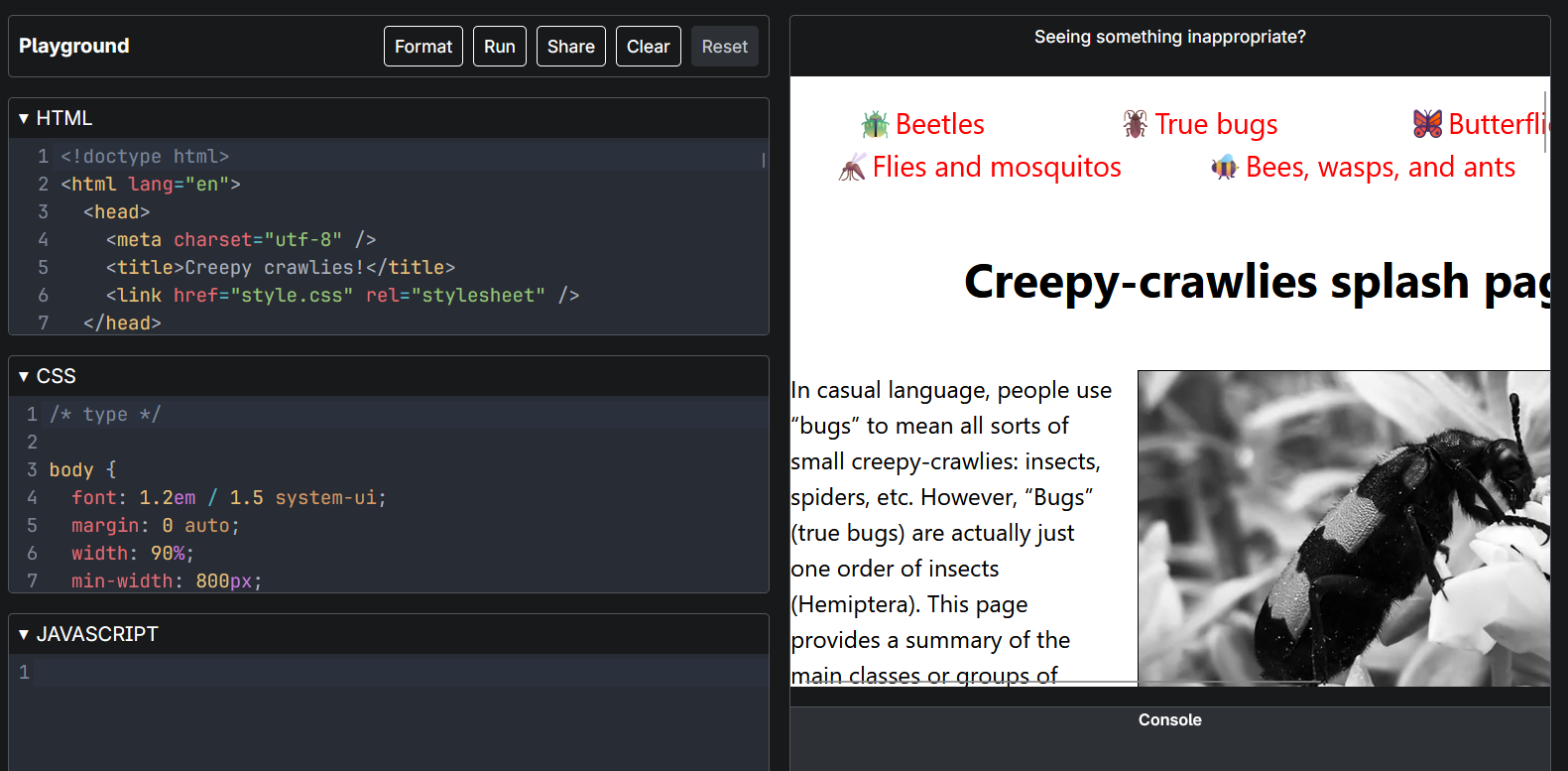
Mozilla's tutorial on html structuring
I have a list of resources on my Website I have found helpful through-out my coding journey. I will keep updating it as I find more!
Making the site
I then went into visual studio code, and with the help of LearnCode.Academy I started my website journey. I tried not to tutorial everything but when in doubt YouTube and Reddit are free and reliable. You are probably not the first person in the world to have the problem you have and you definitely wont be the last.
My website started out pretty bland but I found that if you keep adding stuff it will inevitably look nice and more interesting eventually. I knew I wanted to go for a 2000s nightclub vibe with the brick wall background and neon glowing assets, and eventually I came up with something I was happy with.
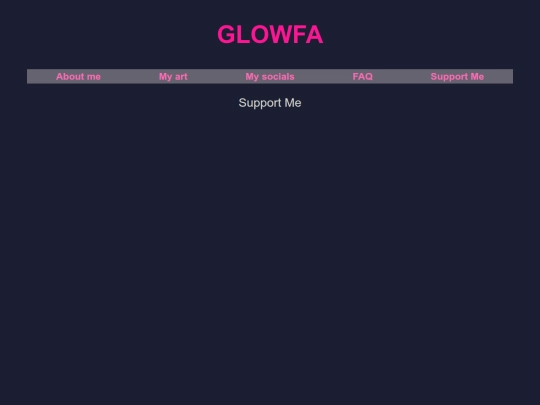
The first version of my site!
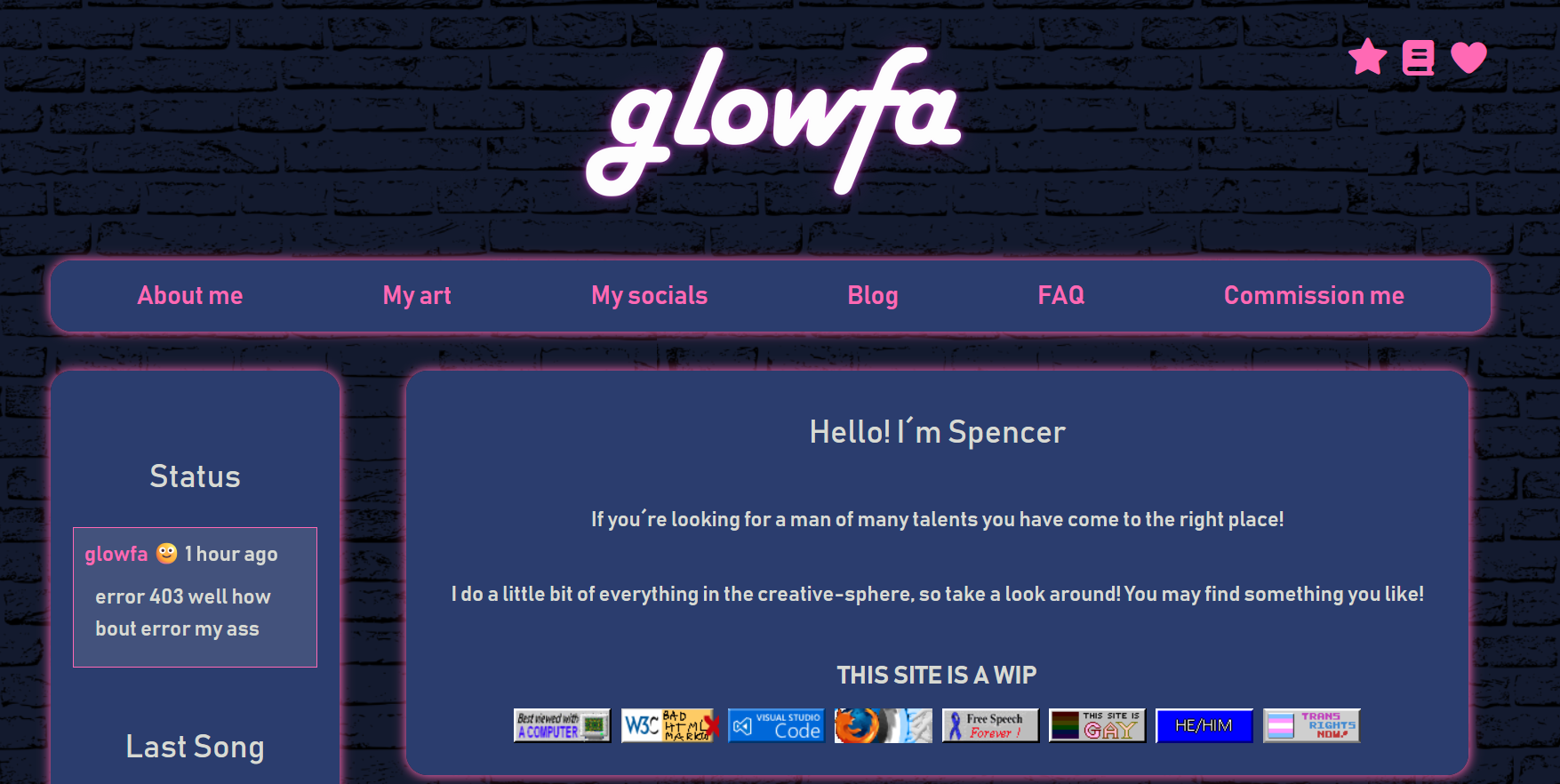
The current version of my site, so pretty!
Choosing a host
There are multiple options when it comes to choosing a host, the two most popular are Neocities or Nekoweb. Both sites have free and paid options but unless you want a custom domain like me, you can host your site completely free.
I personally choose to host my site on neocities, with a duplicate site on neocities incase one site goes down. You may also choose to host your site on a home server. This is a bit more complex and requires a lot of tech knowledge, but comes with the benefit of not needing to pay for premium features and having complete control of your site.
This part is completely optional but you may opt to buy a domain. Buying a domain allows you to have a custom URL and remove the .neocities or .nekoweb from your site. This is completely cosmetic but I find it to be a fun touch to a site.
Domains can be as cheap as $0.99usd or thousands of dollars depending on how popular the domain is, you cannot own a domain forever and you must renew it ever year. There are plenty of places to buy a domain, I personally bought mine on Porkbun.com
Closing Remarks
I hope this blogpost helps you to create your own website on your own! The internet is so much more than social media and is meant for everyone to enjoy. If you have any trouble feel free to reach out to me or ask another web dev! Coding static sites is a dying art, but its slowly but surely being revived and most of us would be happy to help you join the community!
Stay Sleepy My friends,
Spencer